
Platform overview
Everything you need to communicate — in your own app
School Courier consolidates the scattered tools schools juggle today into one private, branded platform. Here’s what it does for your community — organized by the six jobs school leaders hire it to do.
Reach the right families instantly
Three channels — mass alerts, group posts, and direct messages — each controllable, all in one app. Send a district-wide closing notice, a classroom reminder, or a private message to one family, and know it lands on the phone in their pocket.
- Mass alerts for school-wide closings & emergency broadcasts
- Push notifications on iOS & Android — even when the app is closed
- Personalized My Feed posts from classrooms, teams & clubs
- Safe direct messages between families and staff
- Per-group alert controls — mute any group with one tap of the bell
One tool replaces the newsletter, the public page, and the pile of group texts — and actually gets seen.
See Announcements & Alerts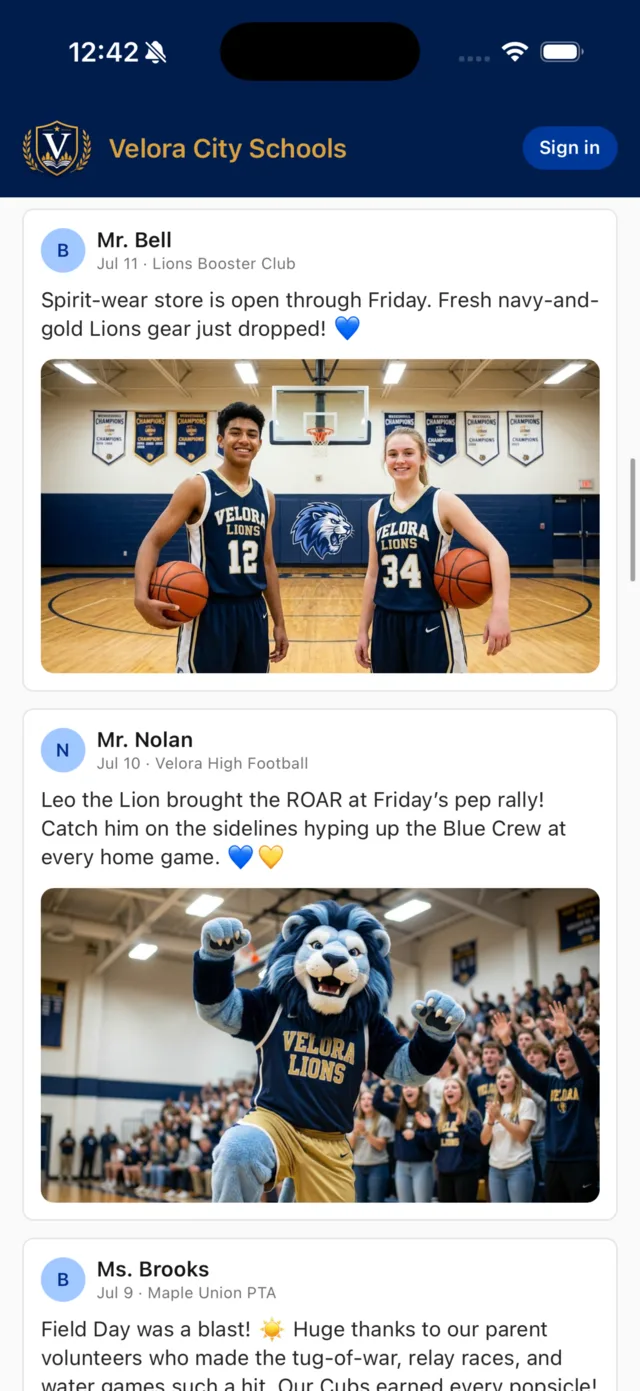
The updates families actually want to see
Celebrations, game results, classroom photos, field-day recaps — the moments that make a school community feel like one. Each family follows exactly the classrooms, teams & clubs they care about, so every feed is personal and nothing important gets buried.
- Rich posts with photos, published by staff in seconds
- Public groups with one-tap subscribe (like “School News”)
- Sports & schedules: rosters, headshots, records, scores & directions
- Calendar & dining with one-tap add to a phone calendar
- Supporters & sponsors — recognize the local backers who fund your school
Families stop asking “why didn’t we know?” — and start showing up.
Explore My Feed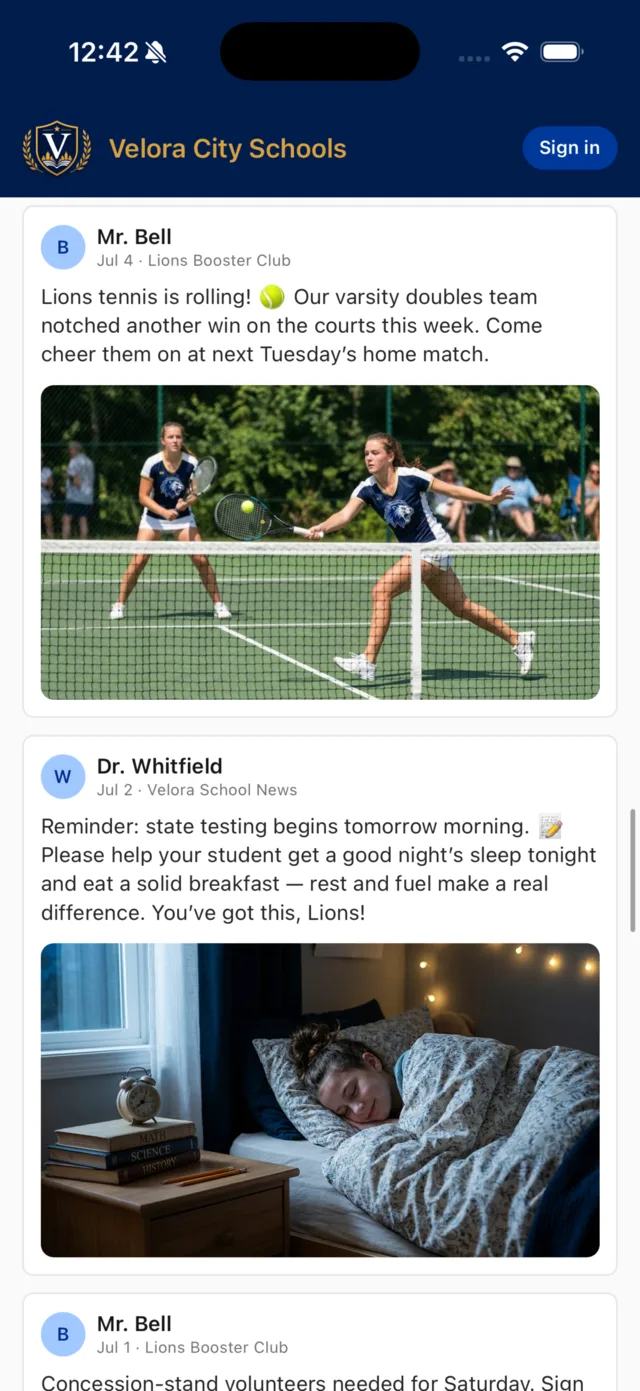
Your staff decide who posts — and who joins
This is your community, not an open network. Staff and leaders publish; anyone else you invite to help posts through approval. Private groups are gated by an 8-digit passcode or a join request a leader approves in-app. Every member is someone your school let in.
- Staff-controlled posting — staff & leaders publish instantly
- Contributor role — parents & students submit; a leader approves before it goes live
- Owner-set permissions for every role, group by group
- Private groups by passcode or leader-approved request
- Account-type access control — students & parents can never message one another
- Role-appropriate experiences for parents, students, staff & administrators
- Multi-school districts: switch schools without re-logging in
The reach of a social feed, with the guardrails of a school system.
See how membership works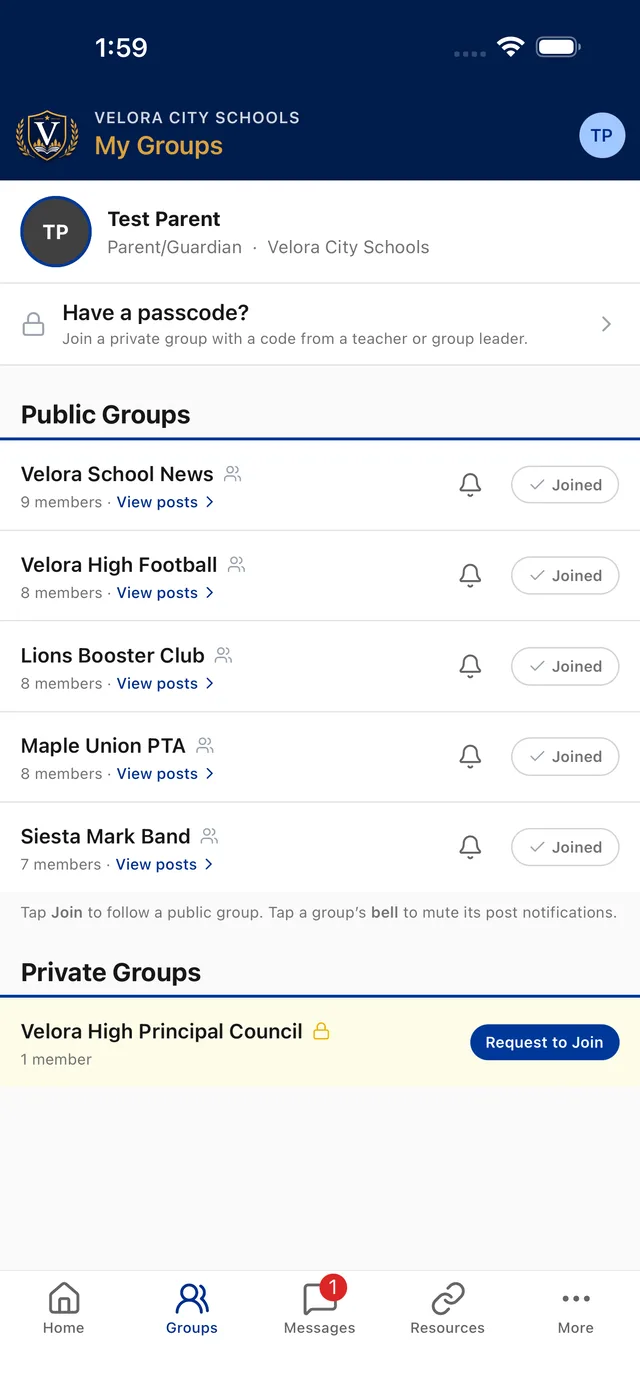
Private by design. Safe by default.
No ads, no algorithm, no public comment threads, no tracking-for-profit. Conversation happens inside your groups, among people your school admitted — and parent and student comments wait for a leader’s approval. Messaging is structured so adults in your building, not strangers, are the only people a family can reach.
- Never on the public web — no URLs, no search indexing, no scraping
- Comments held for approval, and switchable off per post or per group
- Every message tracked & reviewable by administrators
- Passwordless sign-in — an emailed or texted code, done in ~20 seconds
- No ads, no outside content, no tracking-for-profit
- Report & block tools with a zero-tolerance moderation policy
You can hand this to your most cautious board member with confidence.
Read about security & privacy
A communication record you can stand behind
When a question comes up — from a parent, a principal, or a records request — you have answers. Messages and posts are retained for administrator review, supporting your records and compliance obligations.
- Message & post retention for administrator review
- Audit trail of communications between staff and families
- Administrative oversight across schools and groups
- Support for your records & compliance obligations
Accountability that personal texting and public social media can never give you.
See records & oversight
Fits how your school already works
School Courier doesn’t ask your community to change its habits — it meets them where they are: on their phones, in their language, with the tools your staff already use.
- Google Forms attached to posts — permission slips & sign-ups, paperless
- One-tap add to phone calendars
- Writing Help: drafts, shortens & warms up posts — then translates into 10 languages
- iOS & Android apps
- Google Calendar & iCal integration — your existing calendar events flow straight into the app
- Light & dark mode, Dynamic Type, VoiceOver & TalkBack accessibility
No new logins to memorize, no workflow to relearn, nothing extra to maintain.
Request a technical walkthrough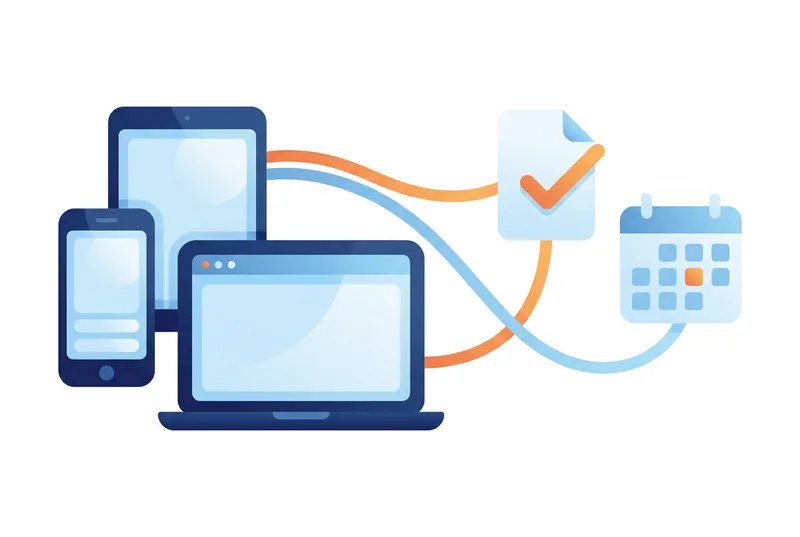
Need the checklist version?
Download the one-page feature overview — every capability at a glance, ready to share with your leadership team or technology committee.